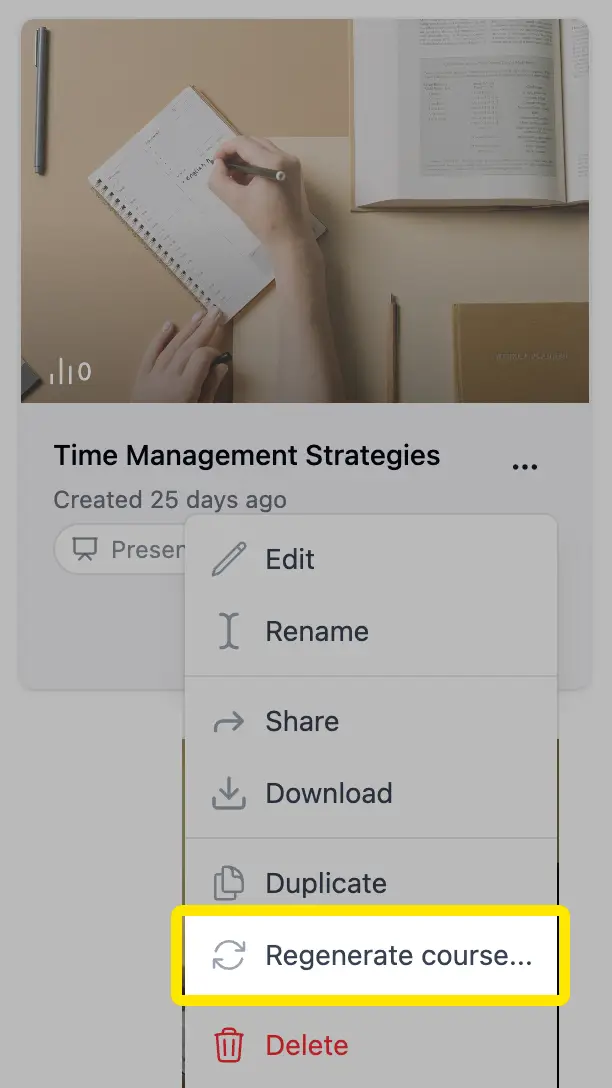
You can now reopen the exact input a course was created from and use it to generate a new version. Open the course menu — in the editor or on your courses page — and choose Regenerate course....
- Everything comes back: your original prompt, attached documents, format, language, and creation settings load straight into Course Studio, ready to tweak
- Iterate quickly: adjust the prompt, swap documents, or reshape the outline, then generate — perfect for building a similar course or improving the last result
- Your course stays untouched: regenerating always creates a new course; the original is never modified