A lot of advice on scorm 1.2 vs 2004 says the same thing: export SCORM 2004, because it's newer and more capable. I'd treat that as the riskier default. The newer package is the one more likely to import cleanly and then fail to record a completion, enforce a prerequisite, or restore a learner's place after a break.
The question that decides the export isn't which version is better on paper. It's whether the LMS on the other end handles the version you're shipping, and what data you need back out of it. Those are two separate tests, and both happen before you choose a number.
Table of Contents
- The two rows that change decisions - Where the status mapping breaks - When the budget runs out mid-course - What your reports will and won't show - Where the export boundary sits - Confirm the version in three movesSCORM 1.2 and 2004 Side by Side
The version number is a poor predictor of whether a course will work as intended. SCORM 1.2 is widely supported and has no formal sequencing and navigation specification. SCORM 2004 retains the core packaging and runtime approach while adding sequencing and navigation; its support varies by LMS. The history of SCORM versions outlines how the standard developed.
| Feature | SCORM 1.2 | SCORM 2004 |
|---|---|---|
| Release | Earlier, widely adopted in practice | First edition January 2004, fourth edition 2009 |
| Sequencing and navigation | No formal specification | Full sequencing and navigation book |
| Suspend data limit | Up to 4,096 characters | Up to 64,000 characters |
| Scaled scoring | Not supported | Supported |
| Editions | Single version | Four editions, from the first through the fourth |
| Typical LMS compatibility | Broadest, most common | Depends on LMS sequencing support |
The two rows that change decisions
The sequencing and navigation row matters when a course must control progression. SCORM 1.2 leaves that logic to the course itself, while SCORM 2004 defines rules in the manifest for the LMS to interpret. Whether those rules work depends on the LMS's implementation.
Suspend data matters when learners must resume with detailed state intact. SCORM 1.2 allows up to 4,096 characters; SCORM 2004 allows up to 64,000. A course that tries to store more state than its LMS supports may lose a bookmark or other progress information on return.
The table describes differences in the standards, not a guarantee of LMS behavior. Test the package in the destination LMS and check which tracking data it records.
For a primer on manifests, shareable content objects, and runtime communication, see this beginner's guide to SCORM and eLearning standards.
SCORM packages carry course content, but they do not improve its production quality. For teams creating video-led lessons, corporate video production is a separate part of the work.
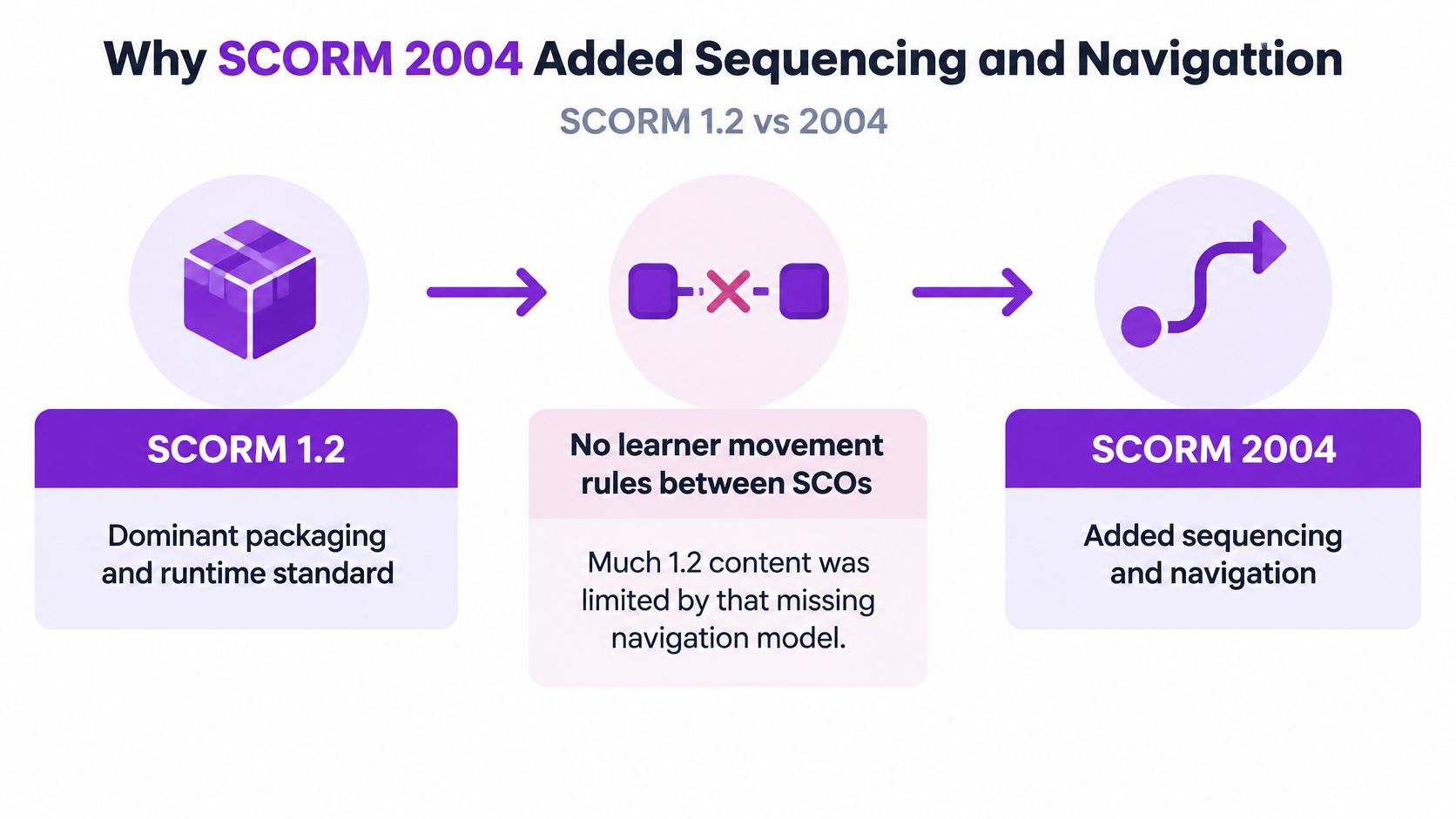
Why SCORM 2004 Added Sequencing and Navigation
Picture a three-module compliance course with a knowledge check that must be passed before module three becomes accessible. In SCORM 1.2, the author usually builds the whole thing as one large shareable content object and handles the gating with internal scripting. The LMS sees a single object that reports a status at the end. It has no idea modules exist.
That's the gap SCORM 2004 exists to close, and it's why the release wasn't a version bump. The specification added a whole book for sequencing and navigation, which moves progression rules into the course manifest: linear order, learner choice, completion conditions, prerequisite gating and branching-style paths.
The editions matter more than most comparisons admit. SCORM 2004 developed through four editions, with the first released in January 2004, the third in October 2006, and the fourth in 2009. That fourth edition added four new features plus more than 30 clarifications, enhancements and bug fixes, including the jump navigation request, which lets a content object ask for navigation behavior distinct from the controls the learner sees, and shared tracking through arbitrary data buckets and global objectives, as the SCORM 2004 Fourth Edition release notes from Rustici Software describe.
So when a vendor says "we support SCORM 2004," ask which edition. A platform certified against the second edition is running rules from a specification that has since been clarified in more than 30 places.
If you want the mechanics behind that handshake, this walkthrough is worth ten minutes:
The design consequence is simple. A 1.2 course built as one object is valid, ships widely and needs no sequencing support anywhere. Splitting it into granular objects with prerequisites only pays off when the destination LMS interprets manifest rules. Otherwise, you've added authoring complexity and testing work for behavior the platform ignores.
> Rule of thumb: granular multi-object design is a 2004 decision. Don't build it unless the LMS in front of you has proven it enforces the rules.
Runtime Calls That Make Launches Fail
Before any sequencing question, the package has to find the LMS in the browser. That handshake is where launches die, and the two versions use different contracts for it.
| Runtime item | SCORM 1.2 | SCORM 2004 |
|---|---|---|
| Browser API object | API | API_1484_11 |
| Start call | LMSInitialize | Initialize |
| End call | LMSFinish | Terminate |
| Completion status | cmi.core.lesson_status (combined) | cmi.completion_status |
| Success status | Stored in cmi.core.lesson_status | cmi.success_status |
API, calls LMSInitialize and LMSFinish, and writes completion and pass/fail into the single cmi.core.lesson_status field, while SCORM 2004 exposes API_1484_11, calls Initialize and Terminate, and separates cmi.completion_status from cmi.success_status.
Where the status mapping breaks
The API mismatch is loud. The status mismatch is quiet, and quiet is worse.
Say a learner finishes every screen and passes the quiz. The package reports completed and passed as two separate values. An LMS that reads only the completion field records a finished course with no result attached. An LMS that reads only success marks people incomplete when they were viewing content. Either way, the launch looked perfect and the report is wrong.
> A successful launch proves the package found the API. It proves nothing about whether completion, success and score were written to the fields your reports actually read.
This is why the 2004 package can be the riskier export without anything being broken. The content did its job. The platform half-implemented the contract.
Correct behavior is easy to describe: completion and success each appear in their own field in the LMS report, and both agree with what the learner did. The check for that is a report inspection after a deliberate failure, which the test procedure below covers in step six.
Suspend Data, Scores and What Reports Record
Here's the capacity difference in numbers. SCORM 1.2 allows up to 4,096 characters of suspend data, while SCORM 2004 allows up to 64,000 characters, adds scaled scoring, and separates completion from success, as the Coassemble comparison of SCORM 1.2 and 2004 sets out.
That sounds like a technical footnote until you build a course that branches. Every stored variable, every answered question, every path decision, every attempt counter competes for the same character budget.
When the budget runs out mid-course
The failure is undramatic, which is why it gets missed. The lesson launches, the learner works through a scenario, they close the tab, and when they come back the course has forgotten the earlier decisions and drops them at the start. Nothing errors. The resume string exceeded what the format could store, so the LMS kept what fit or discarded the rest.
Branching simulations, retry counters and multi-attempt assessments are the usual culprits. A linear course with one quiz rarely comes close. I'd size the risk by counting the state variables your course writes, not by counting slides.
> Practical rule: if your course restores answers, attempt counts or branch history, test resume on a second device before you trust the format.
What your reports will and won't show
The reporting trade-off runs the other way. SCORM 2004's split statuses and scaled scores give precise data, and that precision confuses organizations expecting one "passed" column. A learner can be complete and not passed, and a good report shows both. If your compliance team reads a single field, confirm which one the LMS populates.
SCORM 1.2 keeps it blunt: one combined status. Less precision, fewer arguments about which column means what.
The business question underneath is whether you're collecting basic completion evidence or building durable, portable learning records. SCORM 2004 4th Edition is still the latest SCORM release, from 2009, while xAPI has become an IEEE standard and cmi5 is positioned for LMS-launched xAPI learning. SCORM remains a delivery compatibility layer, not a modern analytics architecture.
Check these five fields in the destination LMS before launch:
- Completion: does the course register as finished when the learner reaches the end?
- Success: does a failed quiz produce a failed result rather than a completed one?
- Score: does the raw or scaled score land where your reporting expects it?
- Session time: is time recorded in the unit the LMS reports in?
- Resume state: does reopening return the learner to the right place with prior answers intact?
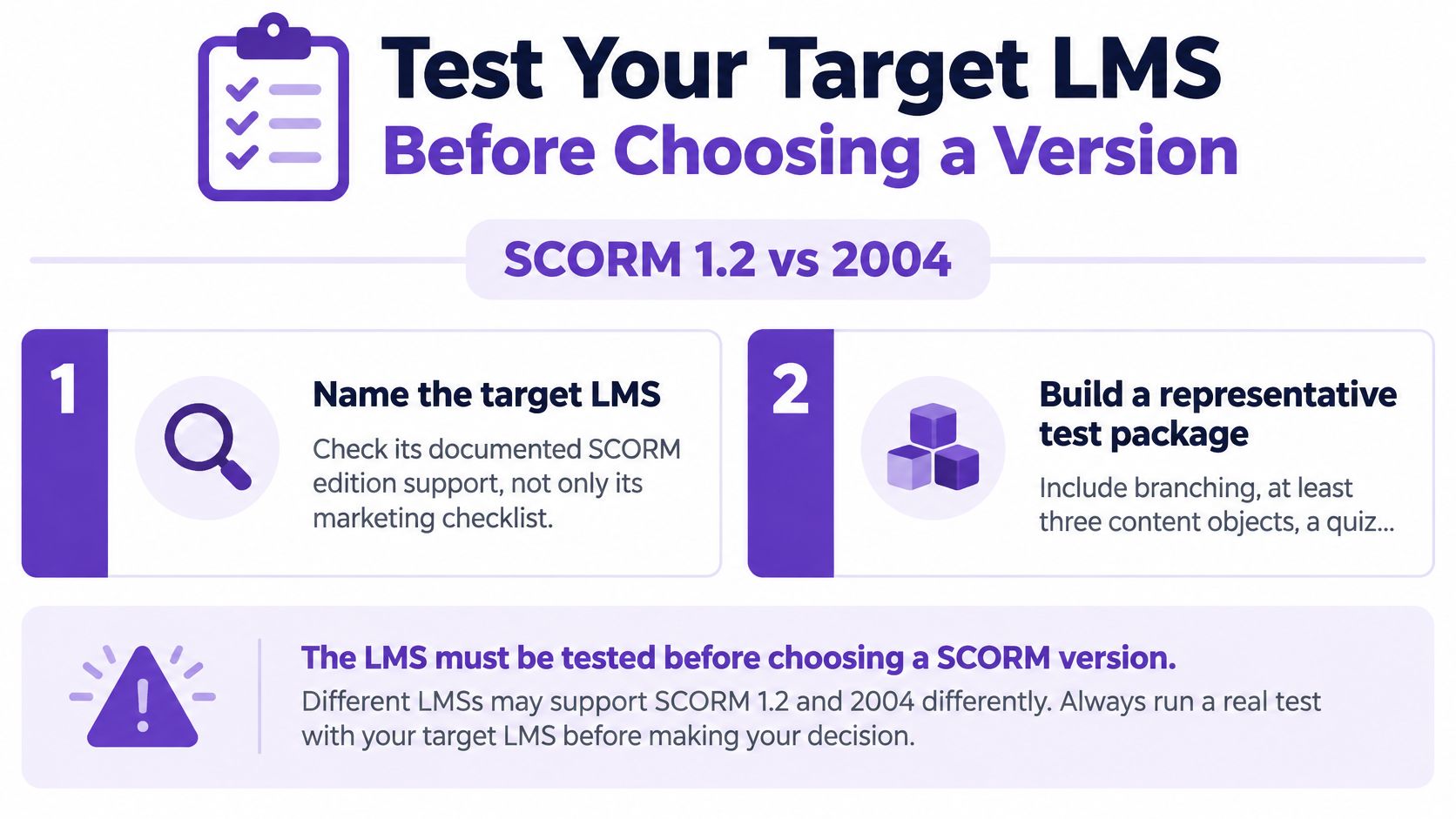
Test Your Target LMS Before Choosing a Version
A SCORM package can import successfully and still behave incorrectly. The useful comparison is not the version number alone. It is whether the target LMS handles the package's launches, navigation and saved state as the course requires. SCORM 2004's sequencing rules add capability, but an LMS that implements them poorly can make it the riskier export.
!An infographic showing two steps to test your target LMS before choosing a SCORM version.
Use one representative package and record the results. A PreSales Unleashed GmbH POC template can help keep checks consistent when several people test different platforms.
1. Confirm the target LMS and edition support. Check the platform's documentation for the SCORM version and edition. “SCORM 2004 compatible” without an edition number leaves a key detail unresolved. 2. Prepare a representative package. Include branching, at least three content objects, a quiz with a retake, and a point where a learner can exit and resume. A short linear demo will not expose these differences. 3. Run the package in the version you're considering. If the LMS supports both, repeat the same course path in each version. Compare actual behavior rather than feature lists. 4. Complete the course, then fail the quiz deliberately. Check whether the LMS records completion and success as separate outcomes or combines them. 5. Exit mid-course and reopen. Confirm that the learner returns to the right place and that previous answers remain. If the course restarts, saved progress is not persisting as expected. 6. Review the LMS report. Compare completion, success, score and time with the test run. Note whether each value appears in the field your reporting process uses. 7. Record mismatches and decide. An observed failure matters more than a feature listed as supported.
> Decision rule: If the package passes all seven checks, SCORM 2004 is a viable option. If sequencing or resume behavior fails, consider SCORM 1.2 and simplify the course structure to fit what the LMS handles reliably.
For distribution across platforms you do not control, SCORM 1.2 is often the safer starting point. A newer version does not reduce risk unless the receiving LMS supports the behavior your course depends on.
Choosing the Version and Confirming the Export
The safer SCORM version is the one your target LMS handles correctly, not necessarily the newer one. For an unknown or mixed LMS audience, SCORM 1.2 is often the more practical default. Use SCORM 2004 when the specific LMS has demonstrated that it supports the course's sequencing and tracking requirements.
| Situation | Recommended version | Reason |
|---|---|---|
| Unknown or mixed LMS audience | SCORM 1.2 | Broad compatibility can reduce launch surprises |
| Single LMS documented and tested for SCORM 2004 | SCORM 2004 | Supports sequencing and navigation rules |
| Simple linear course with one completion mark | SCORM 1.2 | A simpler status model may be sufficient |
| Multi-object course with retakes and resume | SCORM 2004 if the LMS passes the test | Provides a richer model for sequencing and suspend data |
| Need for xAPI or detailed activity logs | Neither version alone | SCORM does not provide xAPI; plan a separate path for that data |
Where the export boundary sits
SCORM 1.2 and SCORM 2004 packages can be exported for compliant LMSs such as Moodle, TalentLMS or Docebo. These exports report completion and quiz scores to the customer's LMS. LearningStudioAI also offers PDF exports, but not HTML or xAPI exports. Changing the SCORM version does not provide xAPI's activity statements or turn SCORM into a detailed activity-tracking system.
Confirm the version in three moves
First, identify the target LMS and its documented SCORM support. Record the edition and, for SCORM 2004, the sequencing and navigation behavior the LMS claims to support. Confirm those behaviors through documented testing in that LMS, rather than relying on a version label alone.
Second, test a representative package. Check that it launches and that the LMS records the expected completion, success, score and resume state. A successful launch alone does not establish that tracking works as intended.
Third, choose the version that passed and export it. If the source is a slide deck, convert PowerPoint slides into a SCORM course and test that package in the target LMS.
For an unknown or mixed audience, default to SCORM 1.2. Choose SCORM 2004 when the target LMS passes the relevant checks with a representative package. The LMS test and the tracking data it records matter more than the version number.
LearningStudioAI turns a topic or an existing document into an editable course with lessons, quizzes, images and narration. You can export the course as SCORM 1.2 or SCORM 2004, or as a PDF, then test the package in your target LMS. Learn about LearningStudioAI.